
How to access the Player Profile:
The player profile is a crucial menu which will allow you to access your player island, quests, cosmetics, quick travel and even more! To open your profile, right click your player head in the 9th slot of your hotbar.
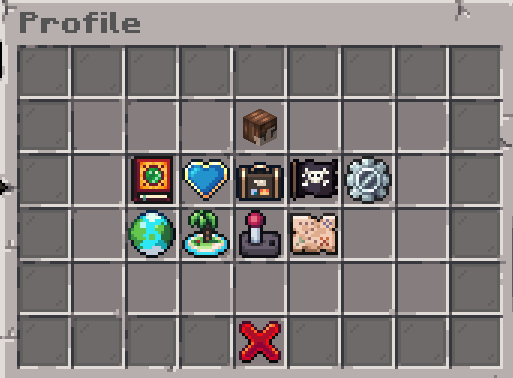
Image 1 - Player Profile Menu
Personal Statistics:
Within your profile, your player head in the middle slot will give you access to view your player statistics. This includes your level, playtime, currency balance and current armour stats.
There are also a few countable statistics, like barrels opened or fish caught!
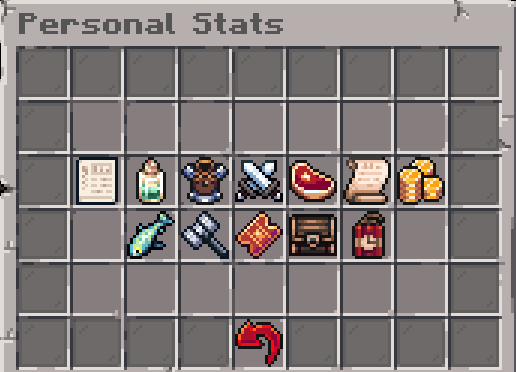 Image 2 - Personal Stats Menu
Quests:
By left-clicking the quest book icon, you can open the quest menu where you can access several quests. They will get you started on your adventure and introduce features.
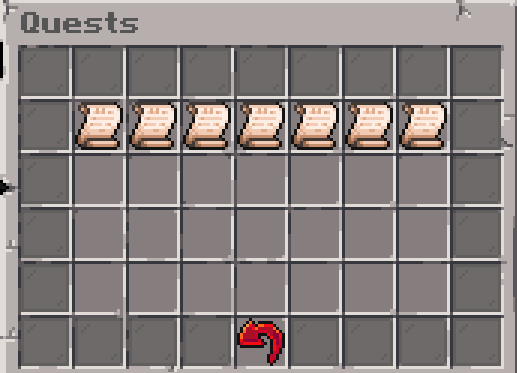
Image 3 - Quests Journal
Right-clicking the same icon will open daily quests, 3 quests you can complete each day for a reward. The red redo arrow below the middle quest will allow you to refresh your quests once per day. Any completed quests will not be refreshed.
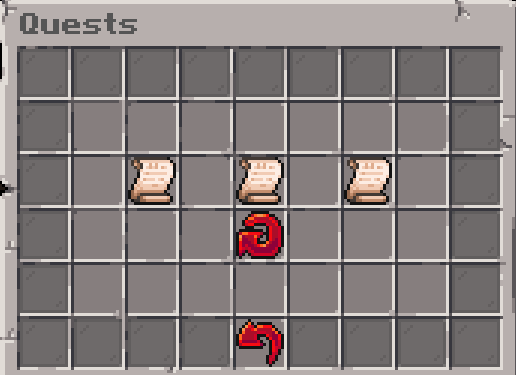
Image 4 - Daily Quests
Friends:
To add friends, click the plus button in the bottom right side and type in their username in the GUI opened! They will have 5 minutes to accept. If you also wish to remove a friend, you can click the minus button and type in their username.
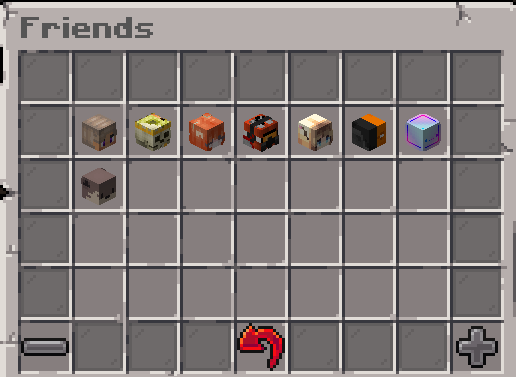
Image 5 - Friends Menu
Cosmetics:
Within the cosmetics tab, you can equip specific cosmetics you may own, such as Ranks, Hats, Particles, Icons, Glowing Effect, Pets and Bullet Trails. You can select and put on the cosmetic by clicking on the desired cosmetic.
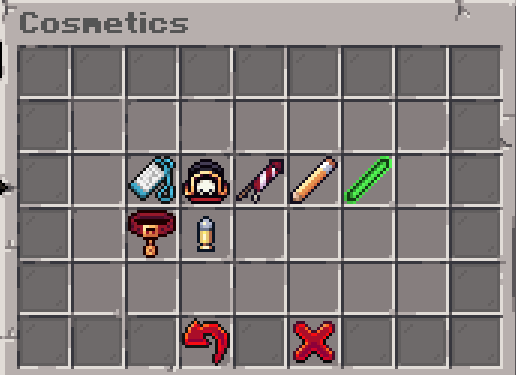
Image 6 - Cosmetics Menu
Click the red x to either remove all cosmetics if on the main page or the cosmetic specific type if inside that cosmetic types GUI.
Settings:
You can customise various features by either enabling or disabling them. The features include:
- Receiving Join and Leave messages from friends
- Receive friend requests
- Hear ambient custom sounds from the Resource Pack
- Ability to sit on slabs or stairs by right clicking
- Hear a sound notification if a player pings you in chat
- View cooldown holograms for Supply Barrels
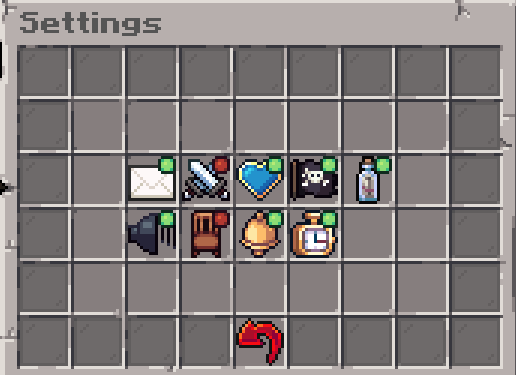 Image 7 - Settings Menu
Quick Travel:
By clicking the icons in Quick Travel, you can instantly travel to the:
- Server Map
- Pirate Raids Ship
- Cannonkour Balloon
- Voting Stand
- Daily Rewards Chest
- Store Stand
When future islands are added, costs will be based on the distance of the player from the island.
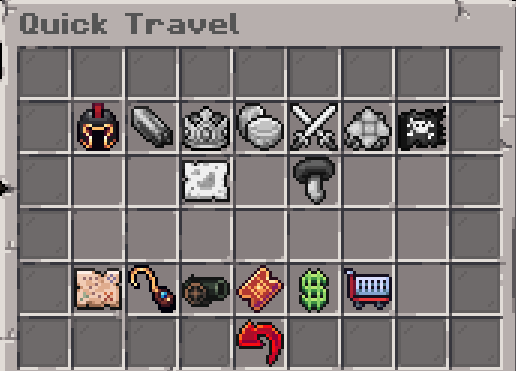
Image 8 - Settings Menu
Island Settings:
For more informations about Islands, you can read the Player Islands guide.
World Map:
This tab opens up an online map link if you ever get lost or need to find something!
Last edited: 3 months ago