
What are Player Islands:
Every player can gain access to their very own island, a place where you can build and create to your heart's content. They will start as a simple tropical island that you are free to reshape or add onto.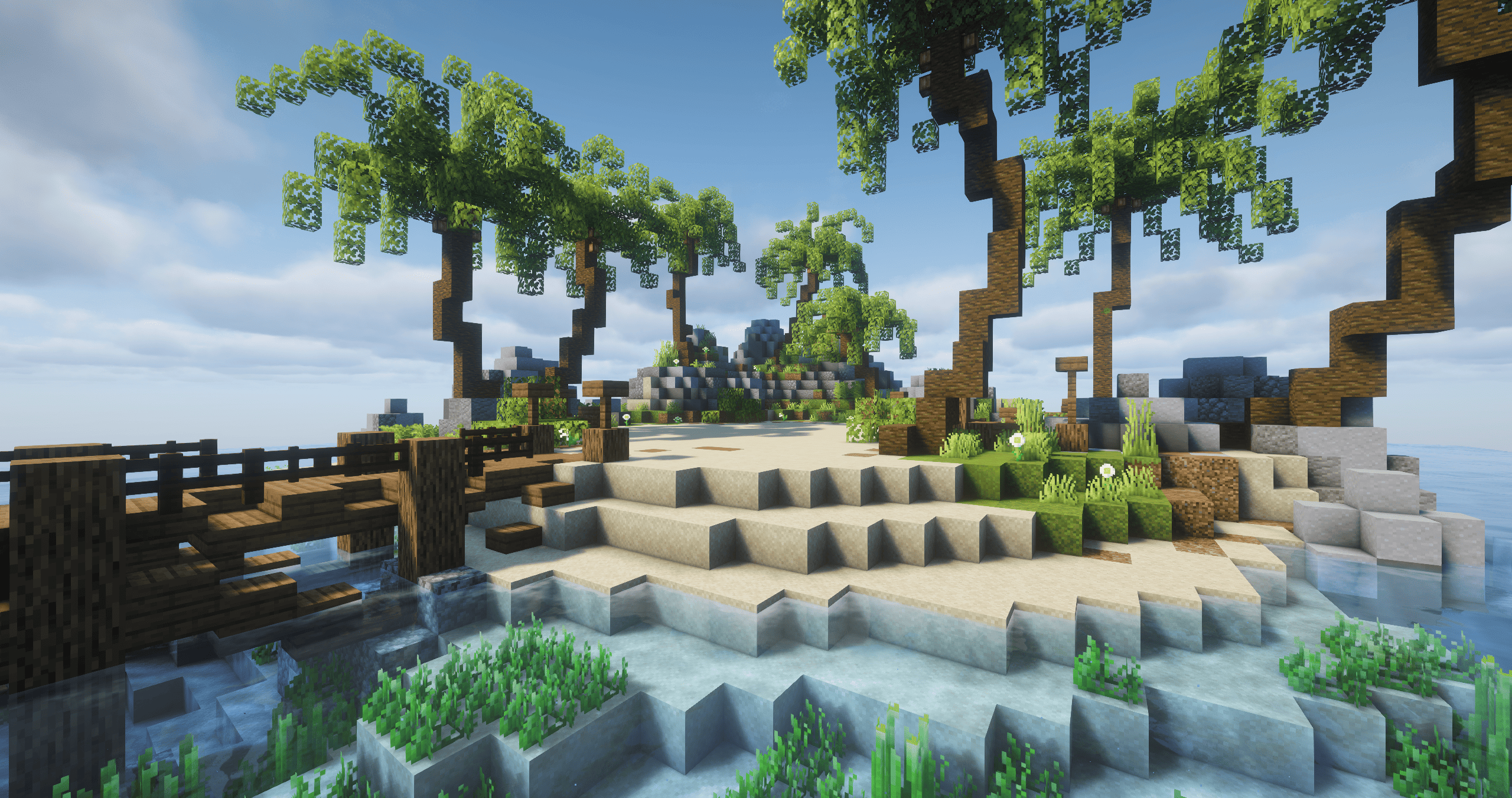
Image 1 - Player Island
How to access Player Islands:
To get your player island, you must be level 4 and buy one for XXX at the Purchase Islands NPC which can be found on the online map.
You can access your island within the player profile and teleport directly there. This menu will also allow you to go to other player islands!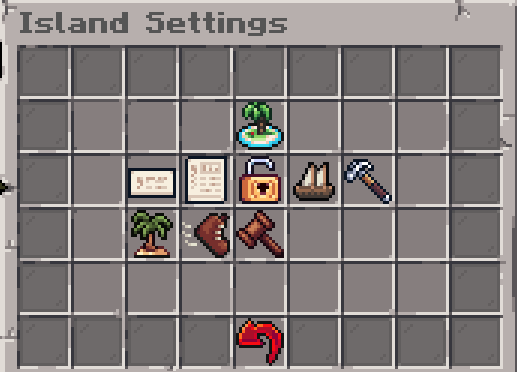
Image 2 - Player Islands Profile Menu
Player Island Settings:
There are 8 settings you can customise for your island which include (listed in order from left to right):
- Set Island Name: Change the name of your island
- Set Island Info: Add a description to your island
- Toggle Visit Location: Set if other players can join your island
- Set Visit Location: Change where you and others spawn on your island
- Manage Island Access: Decide who gets build access
- Set Island Biome: Change biome your island is in, however it costs to purchase biomes
- Kick Player: Kick a player from your island
- Ban Player: Ban and kick a player from ever joining your island
How to obtain Resources:
There are two ways to obtain building materials: resource deposits and the market. You can buy almost any block from the Block Merchant. (For more information about shops, you can read the Shops guide).
After buying a pickaxe, axe, shovel or hoe from the Tool Merchant, you can mine at resource deposits, indicated by a hologram, to get specific resources. You will need the correct tool to mine the respective blocks efficiently.
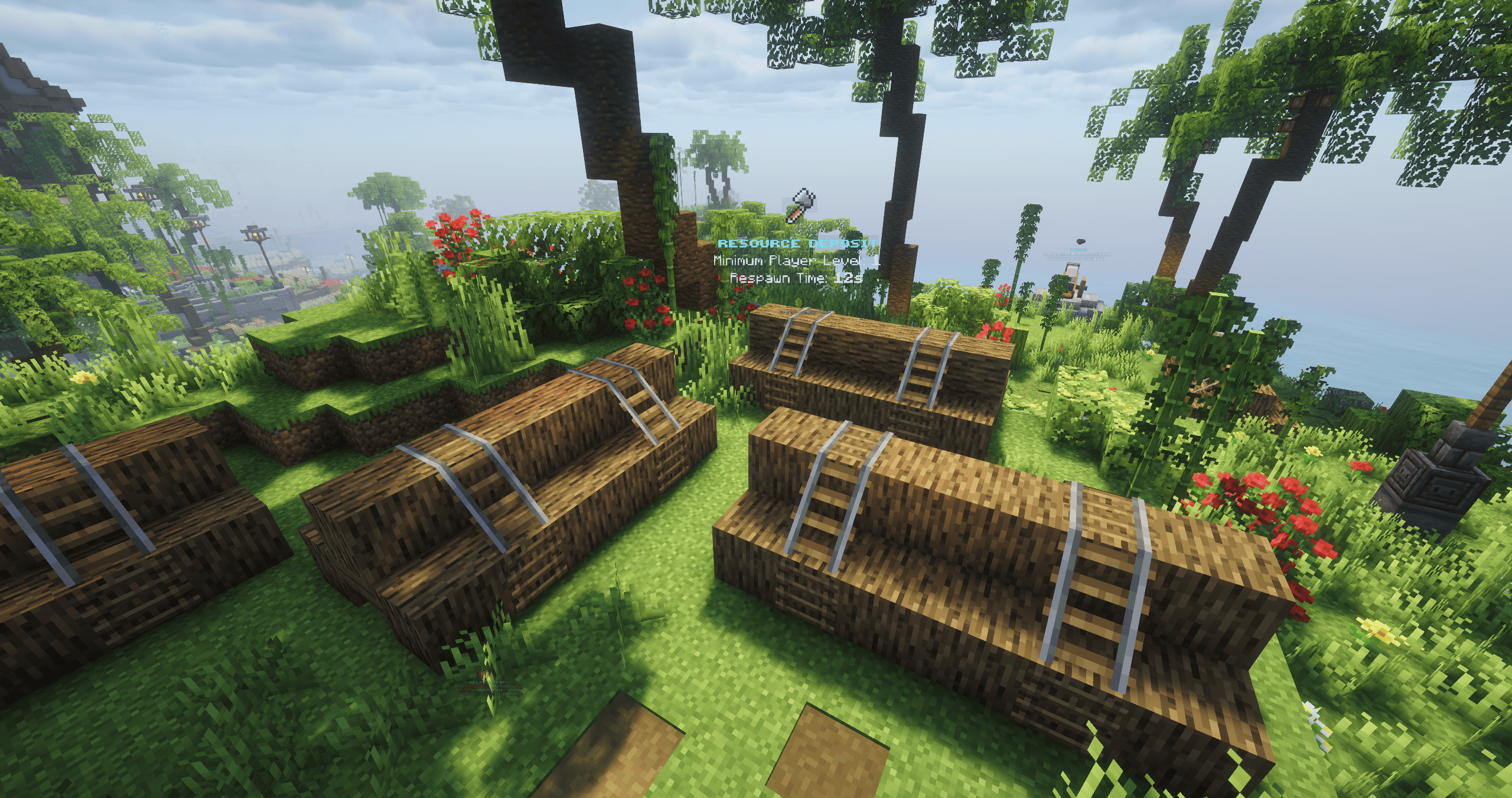
Image 3 - Resource Deposit
You can find resource deposits by exploring or going onto the Online Map and locate the various deposit icons. The icons will indicate which tool will be the most effective.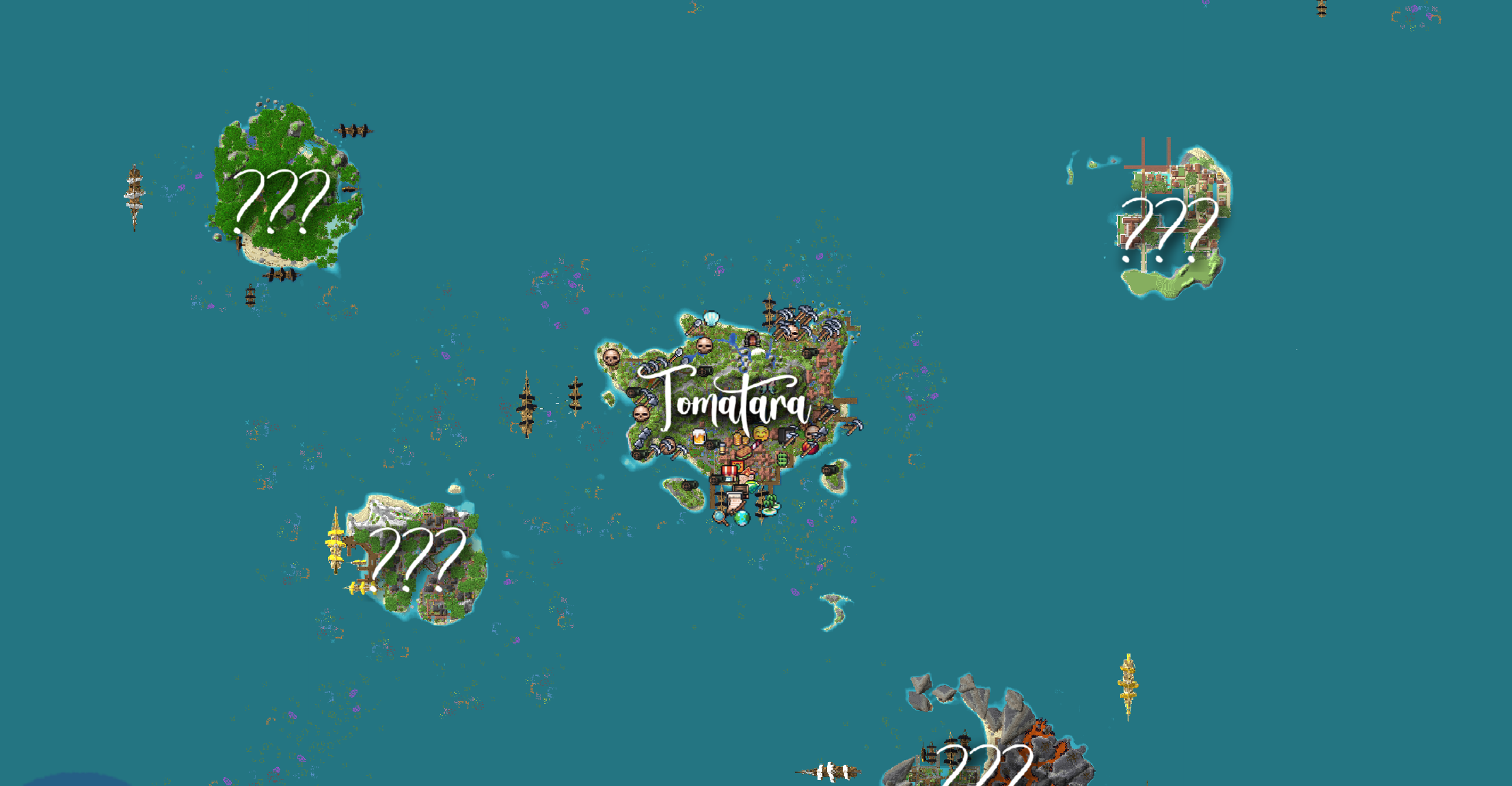
Image 4 - Online Map
Last edited: 3 months ago